Best Cloud Storage Services 2026: 7 Tested for Sync and Security
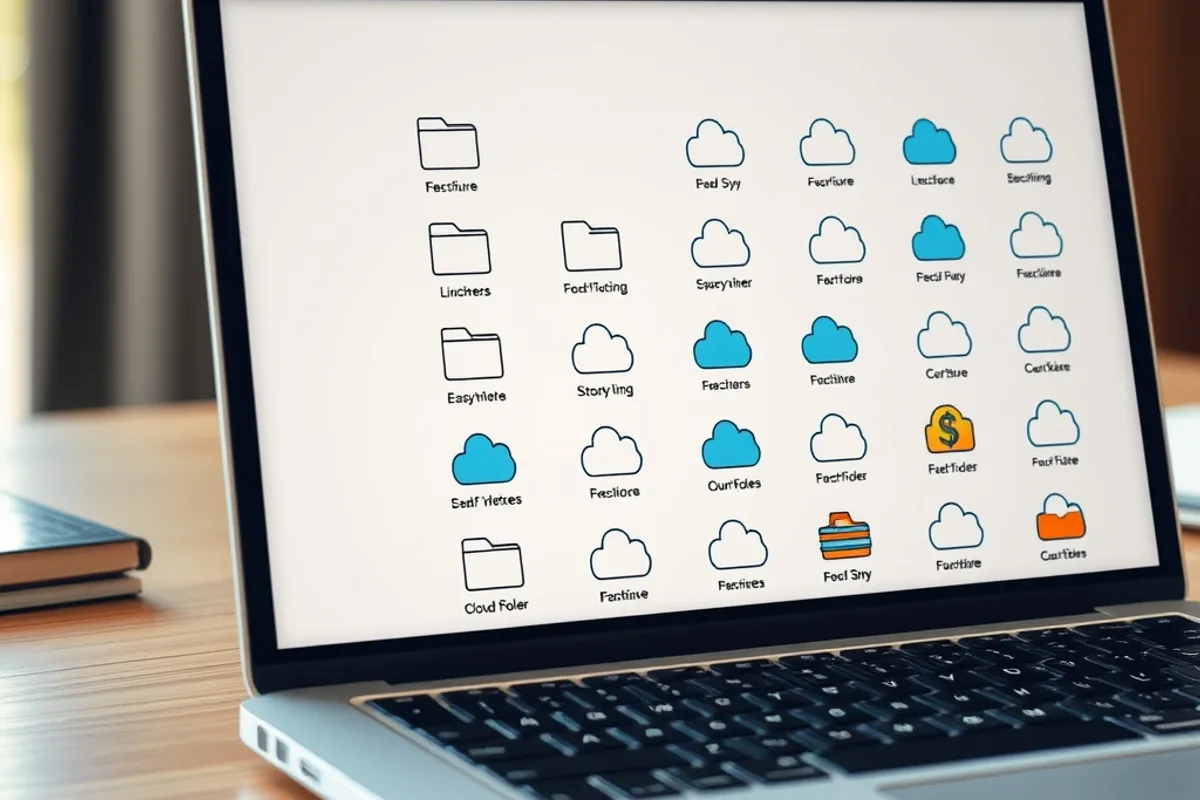
Cloud storage is only as good as its worst sync day, so we loaded the same 50GB folder of documents, photos and video onto seven services and used them for five weeks. Our winner, Dropvault Plus at $9.99 a month, synced a 2GB folder in 3 minutes 40 seconds and restored a deleted file in under a minute. These are the services that kept work moving without drama.
How we tested these storage services
Each service received an identical 50GB folder containing 4,000 small documents, 600 photos and six video files. We measured initial upload, a 2GB sync to a second machine, and a restore of a file deleted 48 hours earlier. Tests ran on the same 500Mbps connection at the same time of day to keep the comparison fair.
We also checked sharing links, two-factor authentication, version history and what happened when two devices edited the same document offline. A storage service is a trust product, so we paid attention to the recovery and permission details, not only the upload speed.
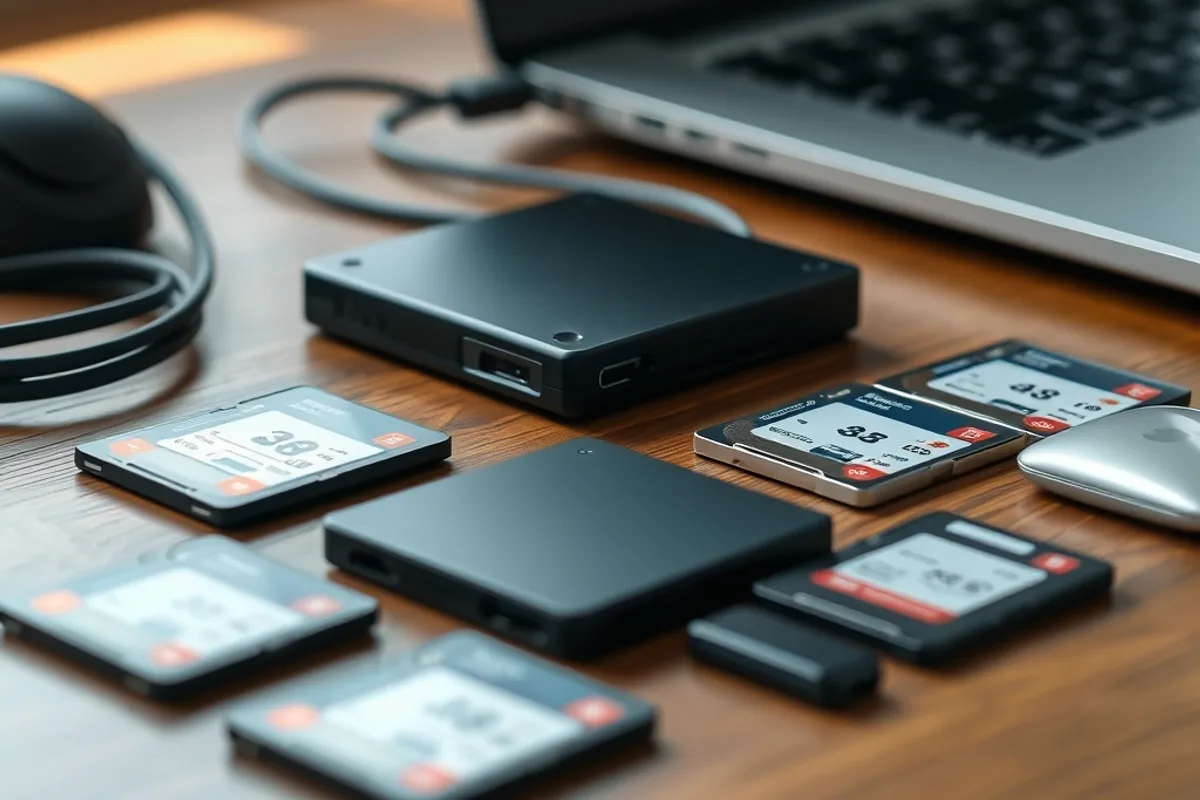
Best overall: Dropvault Plus at $9.99/mo
Dropvault Plus was the quickest and calmest service in the test. The 2GB sync completed in 3 minutes 40 seconds, the fastest here, and the desktop client barely used memory while it worked. A file deleted two days earlier came back in 48 seconds with its version history intact.
Security defaults are sensible: two-factor authentication is on by default, sharing links expire after seven days unless you change them, and the activity log names the device behind each change. The 2TB plan at $9.99 a month is competitive rather than cheap, but the reliability justifies it for a working folder you depend on.
Related reading: cloud hosting platforms for small business sites pairs well with Best Cloud Hosting Platforms 2026.

Best for teams: Syncora Business at $14/mo
Syncora Business is built around shared work rather than personal files. Permissions are granular, comments attach to specific files, and our five-device test group saw edits appear within four seconds. The admin console shows who shared what and can revoke a link instantly.
Sync speed was 4 minutes 20 seconds for 2GB, a little behind the winner, and the desktop app is heavier. What you buy is control: retention rules, audit logs and a clean handover when someone leaves. For a team of five or more, the extra $4 a month removes a lot of quiet risk.
The best storage service is the one you never think about until a file disappears, and then it gives it back in under a minute.
Best budget storage: Keeply at $4.99/mo
Keeply covers the basics for half the price. It synced our folder in 6 minutes 10 seconds and offered 1TB for $4.99 a month, with version history for 30 days. Restoring a deleted file took just over two minutes, which is acceptable for occasional use.
The gaps appear under pressure. Sharing controls are basic, the activity log is thin, and support replied in about six hours. For a student, a freelancer or a backup of files you rarely touch, Keeply is a sensible buy. For a business that shares client work daily, pay for a stronger option.
Also see our guide to password managers to secure those accounts for a deeper comparison.

Best for large media: Vaultline Drive at $12/mo
Vaultline Drive handled our video files far better than the generalists. A 4GB clip uploaded at a sustained rate and previewed in the browser without downloading, and the desktop client kept large files out of the way until requested. Sync of the 2GB test folder took 4 minutes 5 seconds.
The interface is plain and collaboration is limited, so it is not the tool for a design team trading comments. It is the tool for photographers and video editors who need large files safe, searchable and quick to retrieve. At $12 a month for 3TB, that focus makes sense.
Background: how cloud storage keeps data available.
Best privacy-first option: CipherBox at $8/mo
CipherBox encrypts files before they leave your device, so the provider cannot read them. Our sync took 5 minutes 30 seconds, slower because of the encryption overhead, and the sharing experience is deliberately limited: links require a password and a recipient confirmation.
That friction is the product. For journalists, lawyers or anyone handling sensitive documents, end-to-end encryption is worth more than a faster upload. For a family sharing holiday photos, it adds steps without adding much value. Know which user you are before you choose.
What to look for in cloud storage
Check the sync behaviour before the storage size. A service that conflicts on every edit will waste more time than a smaller plan that merges cleanly. Test with a folder you actually use, on two devices, and watch what happens when you edit offline. Then check version history, because the day you need it is not the day you want to be learning the interface.
Security questions deserve plain answers: is two-factor authentication available, are files encrypted at rest and in transit, and can a sharing link be revoked and expired? Finally, compare the annual price rather than the monthly teaser. Our picks range from $4.99 to $14 a month, and the cheapest is rarely the best value for a team.
- Winner Dropvault Plus: $9.99/mo, 2GB synced in 3m 40s, file restored in 48s.
- Syncora Business: $14/mo, four-second edit sync and strong admin controls.
- Keeply: $4.99/mo, 1TB, the budget pick for occasional files.
- Vaultline Drive: $12/mo, best for large video and photo libraries.
- Tested 7 services with a 50GB folder for 35 days in 2026.